A cost model’s data is either global to the cost model or associated with a specific process, operation, or branch node.
Follow these steps to display information about and links to the global data for the current cost model:
-
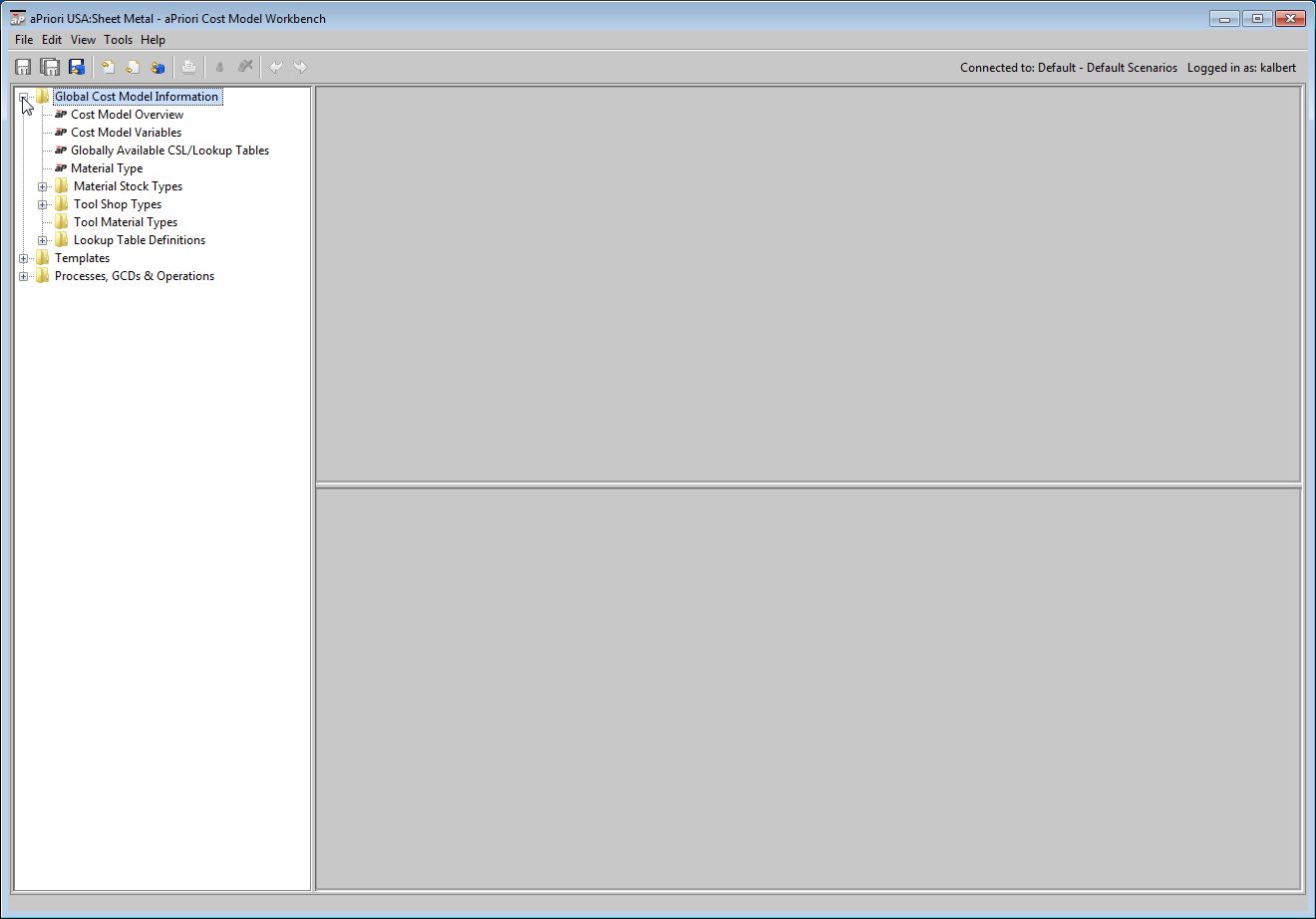
In the CMWB navigation pane, expand the Global Cost Model Information node.
-
Double click or expand one of the following:
-
Cost Model Variables: See Working with Plant Variables.
-
Globally Available CSL/Lookup Tables. See Working with Lookup Tables.
-
Material Type. See Working with Material Metadata.
-
Material Stock Types. See Working with Material Stock Metadata.
-
Tool Shop Types. See Working with Tool Shop Metadata.
-
Tool Material Types. See Working with Tool Material Metadata.
-
Lookup Table Definitions. See Viewing and Modifying Lookup Table Definitions.
-